How to Play Zenzicube

Welcome to the Mathematical Menagerie. Whether you're here to relax, inspect, or collect, this guide will show you how to navigate the infinite field of mathematical creatures.

Wander Zenzicube's infinite field

Expedition Field UI

Zenzicube is a calm, ambient world built for contemplation and wonder. You can click and drag to pan across the procedurally generated biomes full of beautiful mathematical creatures.

As you wander outward from the starting Foundations, you will discover new regions filled with more and more exotic, intriguing specimens.
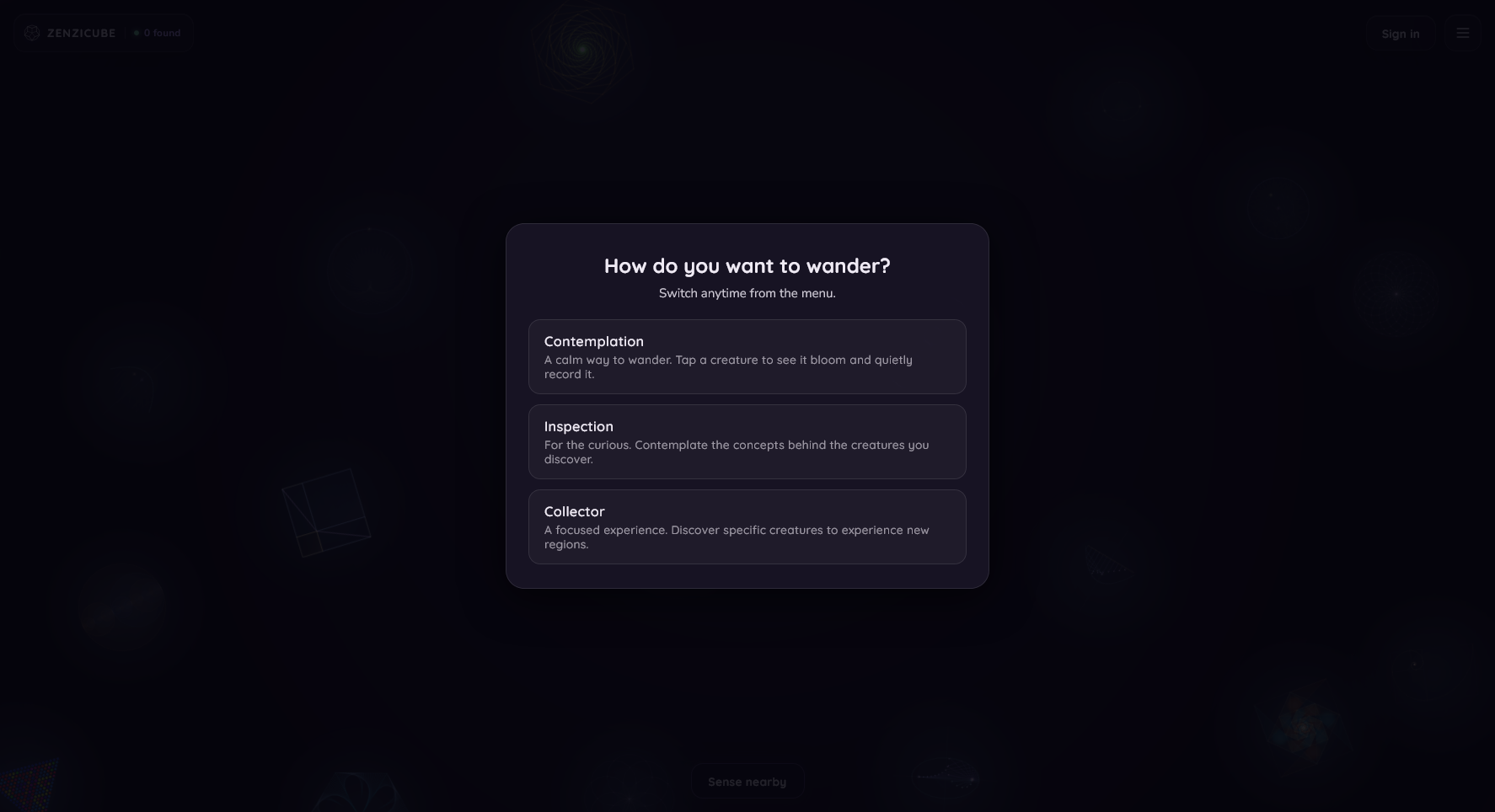

Choose your preferred way to wander

Play Modes UI

Zenzicube offers three distinct modes depending on what kind of experience you want:

  • Contemplation: The calmest way to wander. Tap a creature to see it bloom and quietly record it to your Field Journal without distractions.
  • Inspection: For the curious. Tap a creature to collect it and open its creature card when you can explore the concepts that underlie the creatures that catch your eye.
  • Collector: A focused experience that encourages you to find and identify specific creatures nearby. Tap when you've found them. If you're not sure, have a closer look using the Spotlight.

Use the Spotlight to look closely

Spotlight UI

The Spotlight lets you look at creatures up close and watch them animate. Some creatures have variants that are only visible in the spotlight or when animated, so make sure you look carefully!

Take photos and videos of your favorites and share them with friends.

Important: Bringing a creature into the Spotlight does not automatically collect it. Use it in collector mode to examine your specimen before you collect it.

Take your time, enjoy the detailed animations, and when you are ready, click the add button to officially collect it.

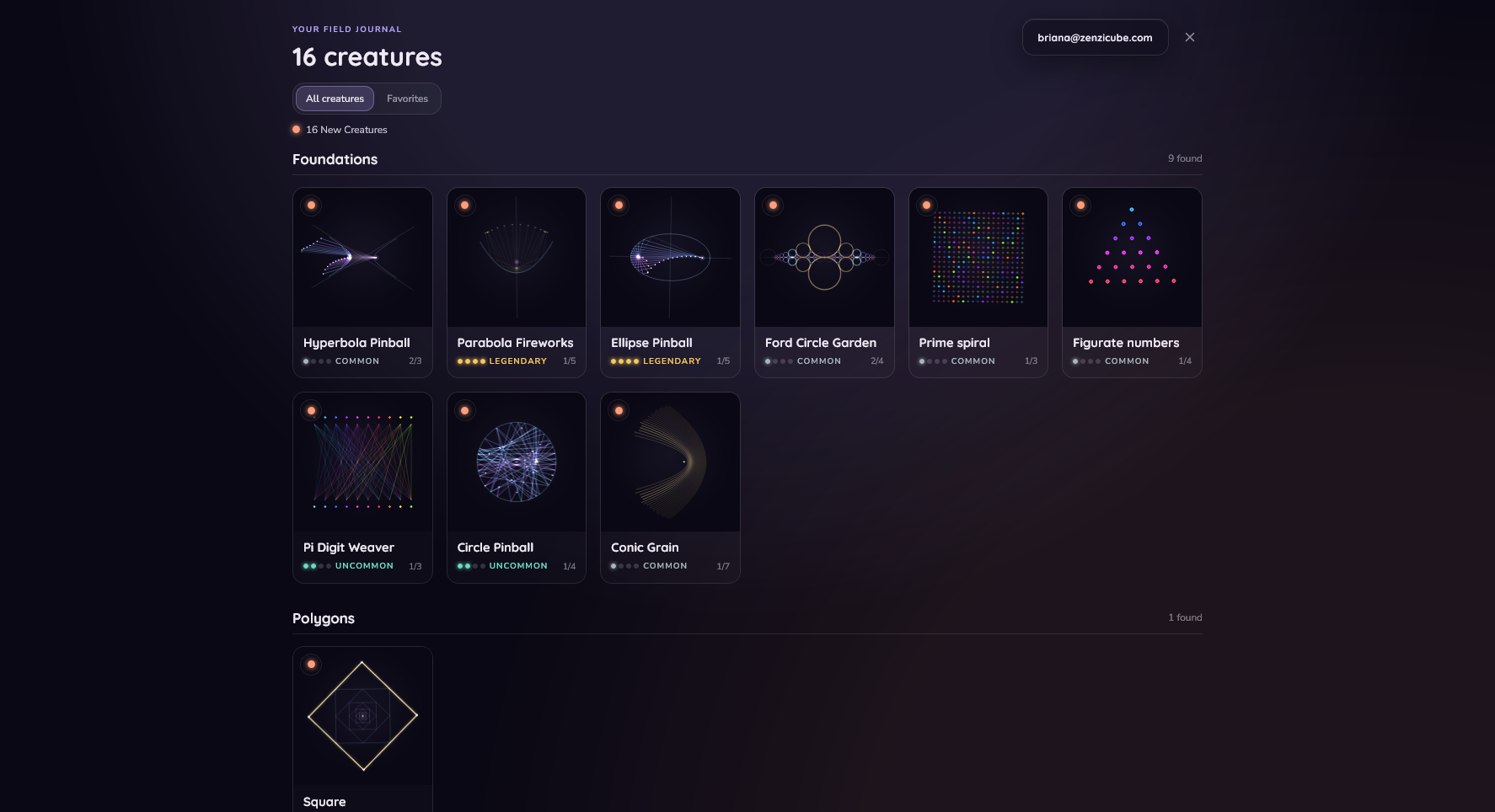
See what you've encountered in your Field Journal

Field Journal UI

The Field Journal is your permanent record of discoveries. Every time you collect a creature, it is logged here.

The journal tracks the variants you have find, shows their rarity, and serves as an interactive notebook for the concepts you've encountered. Log in to save your Field Journal across devices and sessions.

You can also favorite creatures here so they are easy to find in My Field!

Get to know your collection with Creature Cards

Creature Card UI

Every creature has its own informational card that tells you its name, variants, rarity, and mathematical properties.

Select your favorite variant to be the creature's portrait image in your Field Journal.

Explore biomes and go on new expeditions

Biomes UI

The Zenzicube field is divided into distinct mathematical Biomes where thematically similar creatures grow together.

You start your journey in the Foundations biome. As you wander, you'll encounter creatures native to other biomes. Rare biomes appear with dazzling new creatures as you explore farther and farther away from home.

Collecting a native creature unlocks its biome! Use the Expedition menu to go back home, start a new expedition with a new map, or set a new "Home" to change where your journey begins each time you play.

Use the Sense button to reveal biomes close to you.

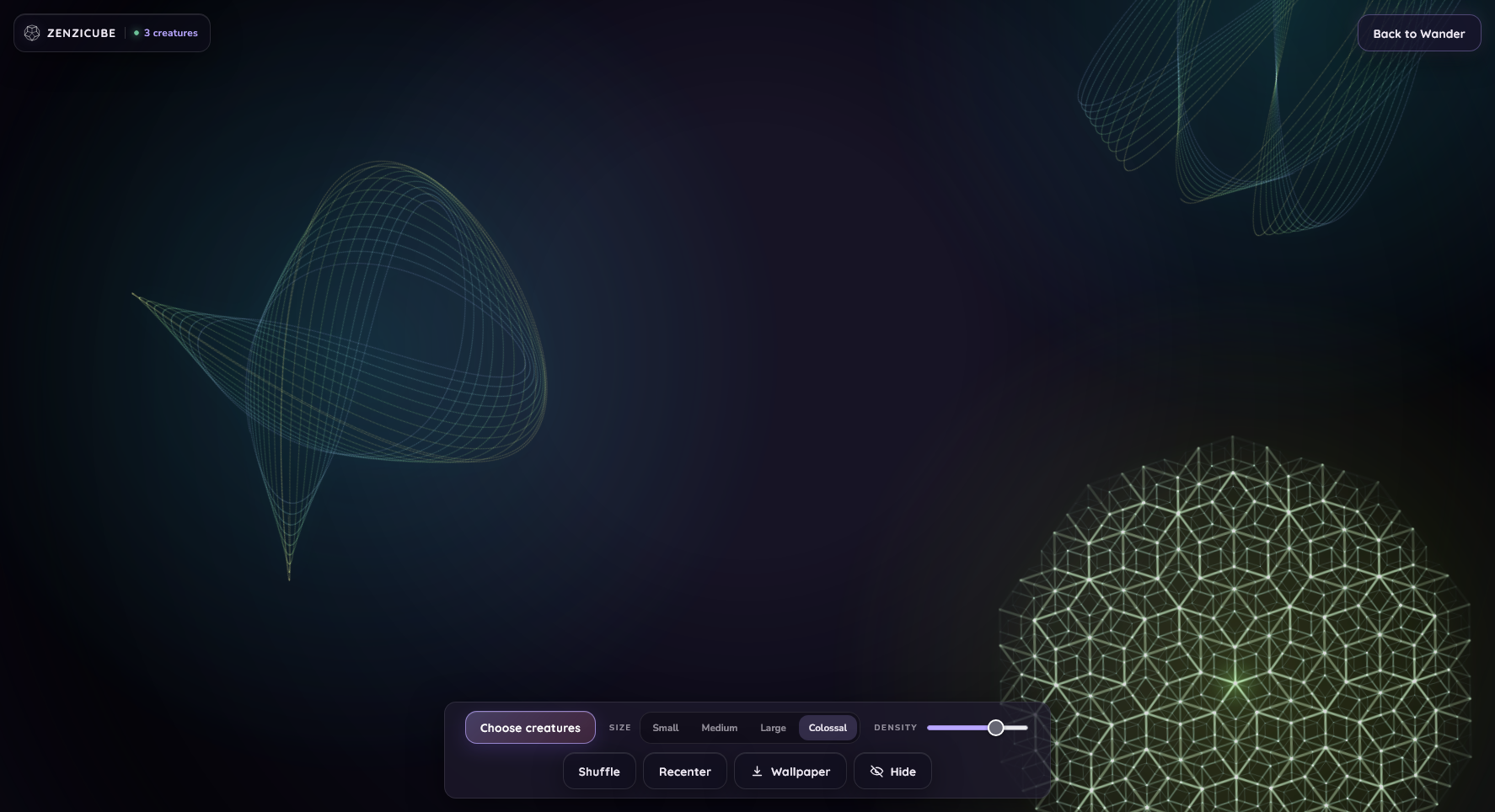
Spend time with your favorites in My Field

My Field UI

Once you've started collecting, you can curate your very own sanctuary in My Field.

Here, you can take your absolute favorite discoveries from your Field Journal and view them in a custom field. Mix a bunch of favorites or explore a field with just one. Watch them at various sizes to fit your perfect, calming aesthetic.

If you find the perfect field, download it as wallpaper.

Enter the Menagerie